Home • FAQ • Instructions • Privacy Statement • Contact

Near and Far is a simple near and distance visual acuity screening tool for iPad™.
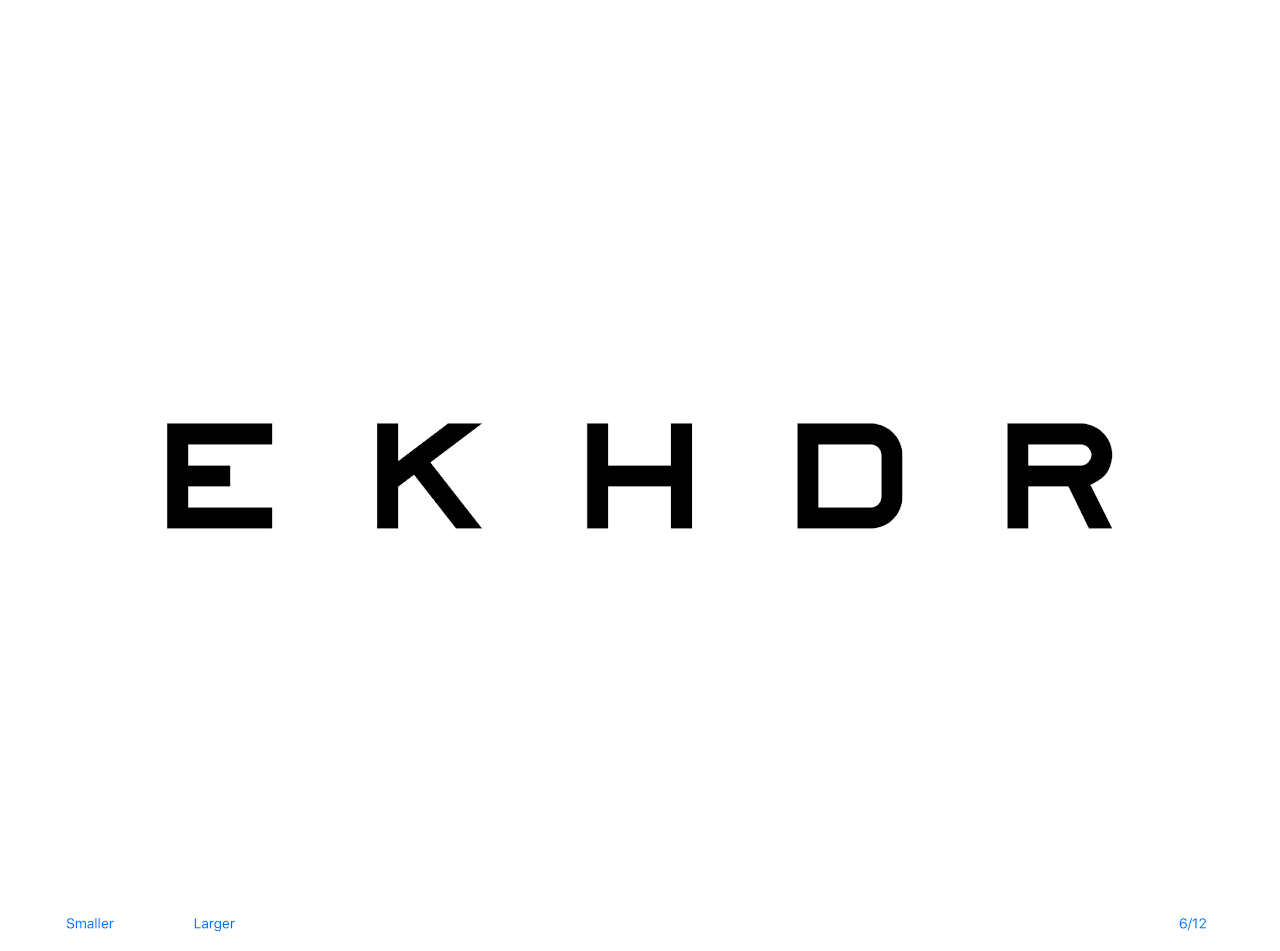
- The distance (far) test is based on a traditional Snellen chart. The distance test optotypes are of the Sloan type and are limited to the letters specified in the British Standard BS 4274-1:2003. They are designed to be read at 6 meters or 20 feet, but can be reversed for use with a mirror at 3 metres or 10 feet by left or right swiping the screen.
- To toggle between 3 metres, 20 feet, and LogMAR, tap on the size indicator on the lower right of the far test screen.
- The letter combinations can be randomised by tapping on them. Potentially offensive letter combinations are filtered out.
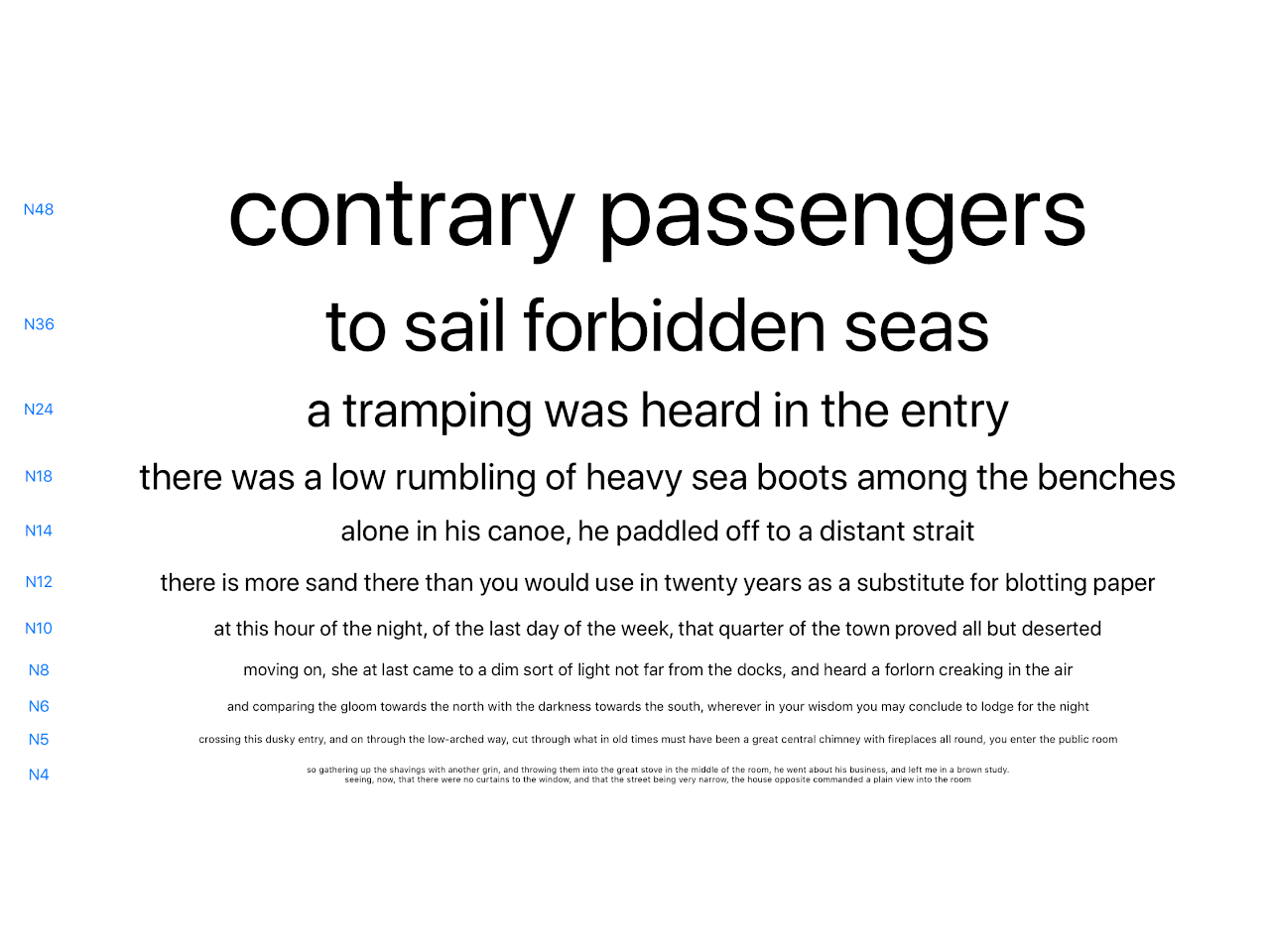
- The near vision test uses the N type chart and features three sets of text which can be cycled by tapping on the text.
- The test screens have been designed with minimal visible controls. There are no visible controls on the Near screen, and only "Smaller", "Larger" and Size controls on the "Far" screen. To return to the app home screen from any screens you swipe down.
- Due to the size requirements for the text, Near and Far is an iPad only app. It is necessary to manually calibrate the app via the "Calibrate" screen, before the "Near" and "Far" buttons are enabled. Calibration is necessary due to variations in scaling for the various existing iPad models as well as unknown future models. Calibration is performed by measuring a test line on the calibration screen.
- There are some other visual acuity testing apps available. Several of these display the type at the wrong size on some devices. Users must always check to see that the type is rendering at the correct size. (See the article about type size in the FAQ.)
- All features are enabled on the standard version. There are no In App Purchases and no advertisements.
- The current version is 2.0.1.
Warning: The diagnosis of visual defects should be performed by an appropriately qualified health professional. It is the responsibility of the user to ensure that the app is calibrated correctly for the device, and to ensure that environmental conditions such as ambient lighting are suitable for acuity measurements.
iPad™ and iPhone™ are registered trademarks of Apple Computer Inc. This site and the Near and Far app are copyright © 2026 by John Lamb. All rights reserved.